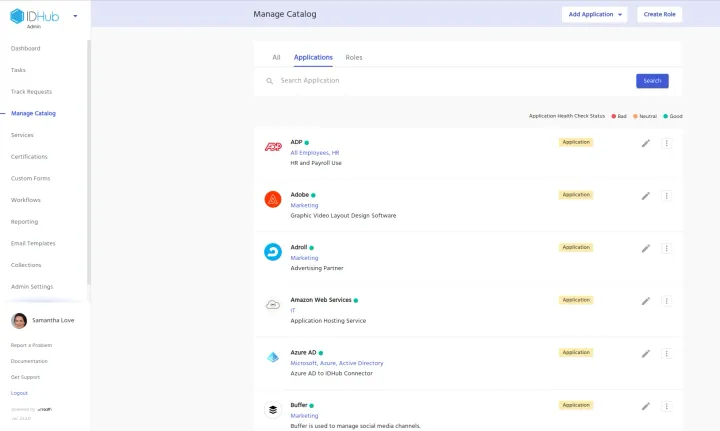
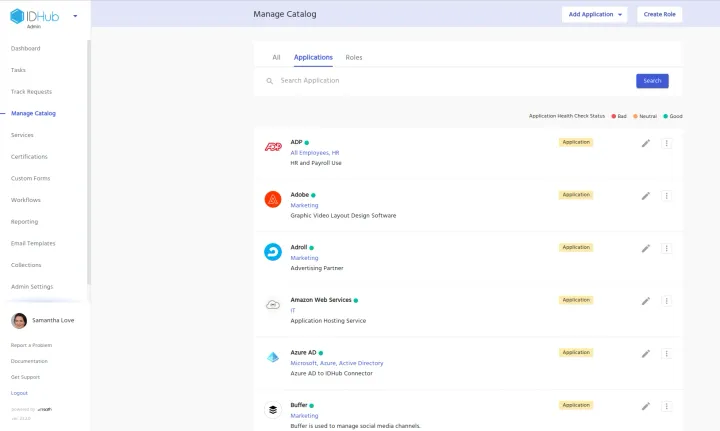
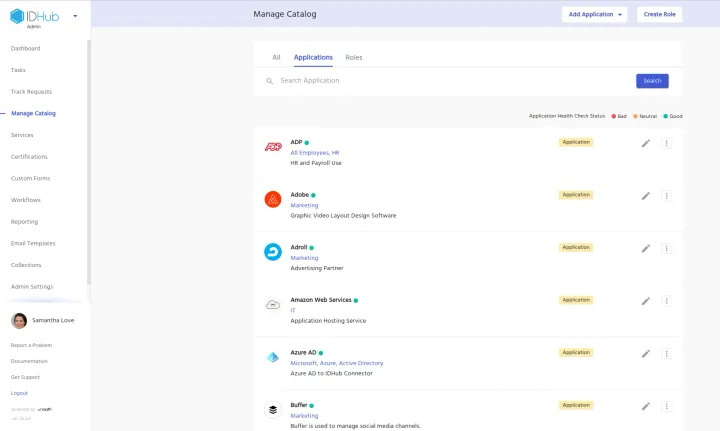
Automate Azure AD Provisioning with IDHub Roles Automating User Provisioning in Azure AD This video gives a quick demo of how IDHub Roles can be used to automate provisioning to group and project membership, when connected to Azure AD Software.
Meet IDHub – Easy User Access Management How Do You Know Who Has Access To What? How do you know who has access to all your business applications, spreadsheets, expensive inflexible software, or possibly, your monthly bill? It's time for something easier, faster, and more secure. IDHub provides a simple way to manage all of
Automate Jira Provisioning with IDHub Roles Automating User Provisioning in Azure AD This video gives a quick demo of how IDHub Roles can be used to automate provisioning to group and project membership, when connected to Jira Software.
Requesting Timed Access to AWS Group Requesting Timed Access to AWS Group & Automated Provisioning In this short video, learn how IDHub automates provisioning to an AWS Group for the requested time of 1 hour, and then auto revokes access after 1 hour time has expired.
Create an Access Review Certification - Video IDHub allows Administrators to quickly create certifications, to review access a User has. These certifications are based on either User Access or by Resource Assignment. In this short video, learn how to create a new certification, run that certification, and certify or revoke access to Users accordingly. User Access Certification
Service Requests And Approval Process - Video Service Requests are used to request common business needs like laptops, office equipment, or even maintenance requests, like moving a desk. Easily create a new Service Request in IDHub, and learn what the Approval Process looks like. Service Requests & The Approval Process – Video Transcript Hello, in this video, I’
Adding A New Role - Video What is an IDHub Role? IDHub Roles are used to represent the functional responsibilities of a user. When a Role is assigned to a user, he or she is granted all access to applications and permissions within that Role. Roles are useful when an application requires multiple permissions across multiple